> ## Documentation Index
> Fetch the complete documentation index at: https://invopop-fi-party-endpoints.mintlify.site/llms.txt
> Use this file to discover all available pages before exploring further.
# Disable members
> Disable or remove a member's access to your workspace.
Available on the following plans:
Dev Pro Enterprise
To disable a member, click on the Disable button on the member's row. You will be prompted to confirm the action.
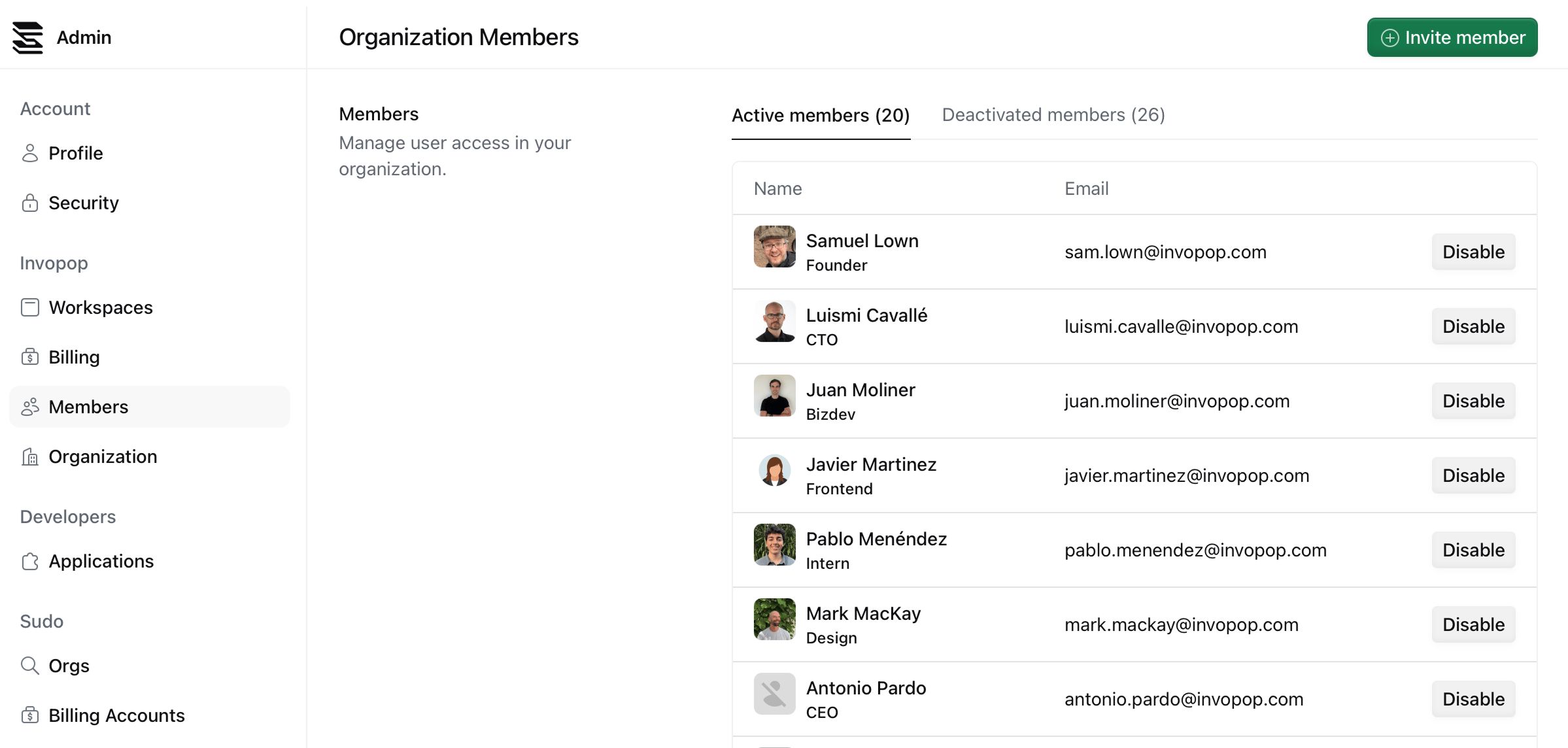 The member will be removed from your organization and will no longer have access to your workspaces.
If you need to re-enable a member, click on the **Deactivated members** tab and click on the Enable button on the member's row. You will be prompted to confirm the action.
This documentation is built and hosted on [Mintlify](https://mintlify.com), a developer documentation platform.
The member will be removed from your organization and will no longer have access to your workspaces.
If you need to re-enable a member, click on the **Deactivated members** tab and click on the Enable button on the member's row. You will be prompted to confirm the action.
This documentation is built and hosted on [Mintlify](https://mintlify.com), a developer documentation platform.